Calendar sync: The difference between real and usually
October 29, 2026
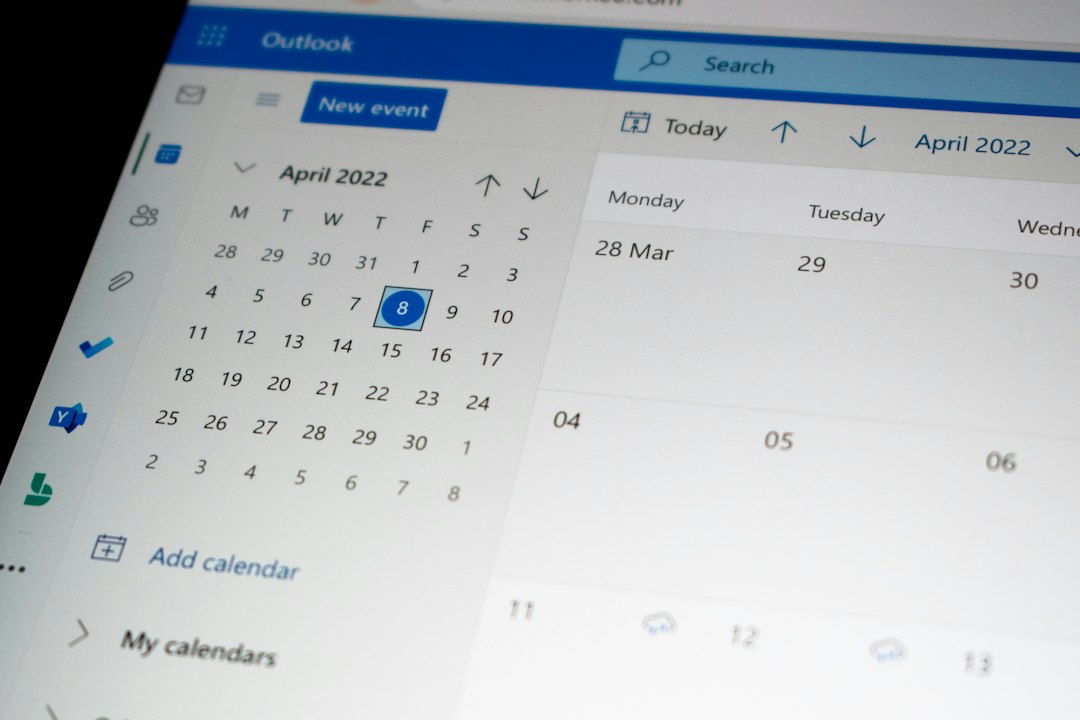
A calendar that is actually synced differs from one that is synced "usually" because the former relies on a fixed, short-interval update cycle while the latter often relies on infrequent polling. LexisOS performs a two-way calendar sync with Google and Microsoft 365 every two minutes to ensure availability is always accurate. This precise timing prevents the double bookings that occur when systems lag behind real-world changes.
The problem
You have likely experienced the "ghost meeting" scenario. A prospect clicks a booking link, selects a 10:00 AM slot, and receives a confirmation. Meanwhile, you accepted a different meeting for that same time five minutes ago, but your scheduling tool has not caught up yet. You now have two meetings at once. The prospect is annoyed, you are double-booked, and the credibility of your automated scheduling process is gone. This happens because many tools sync on a lazy schedule, often waiting 15 to 30 minutes between checks, or worse, triggering only when a user manually refreshes the page.
Why the usual fix does not hold
Teams usually try to solve this by forcing reps to keep their calendars updated manually or by adding buffer time to every slot. Neither approach works at scale. Manual updates are prone to human error, and padding your calendar with artificial buffers kills your conversion rate by hiding your true availability. You end up with a tool that claims to save time but actually creates a new administrative burden: policing your own software to ensure it is telling the truth. When a CRM and a scheduling tool disagree about a deal, the disagreement creates friction that eventually spills over into the prospect experience.
What changes the outcome
LexisOS changes the outcome by enforcing a strict two-minute sync window for Google and Microsoft 365. This mechanism treats your calendar as a live, authoritative record. By keeping the sync interval short, the platform ensures that the booking pages reflect your actual capacity in near real-time. The system also provides daily booking-funnel analytics so you can see exactly how your availability is being used. While LexisOS provides automatic meeting links for Zoom and Zoho Meet, users must add Google Meet and Teams links manually. This is a deliberate trade-off in a system that focuses on reliable, composable performance over bloated feature sets.
What this looks like in practice
Consider a sales representative managing a high-volume pipeline. In the old process, a prospect emails asking for a meeting. The rep replies with three options. The prospect replies two hours later picking one, but that slot is gone. The rep sends another email. This takes six emails to book one 30-minute call. With LexisOS, the rep simply drops their booking link into the email. The prospect clicks, sees the live availability, and books the slot. The meeting is added to both calendars instantly. The rep saves time, the prospect gets an immediate result, and the CRM record is updated automatically. This is how logged automatically saves a rep meaningful minutes every single day.
Frequently asked questions
How often does LexisOS sync my calendar?
LexisOS performs a two-way calendar sync with Google and Microsoft 365 every two minutes. This ensures your booking page always reflects your most current availability, preventing the common issue of double bookings that occurs with less frequent polling intervals. By maintaining this tight sync window, the platform keeps your schedule accurate without requiring manual refreshes or constant oversight from your team.
Does LexisOS support Zoom and Teams meeting links?
LexisOS provides automatic meeting link generation for Zoom and Zoho Meet. If you use Google Meet or Microsoft Teams, you must add those meeting links to your calendar invites manually. The system is designed to handle the heavy lifting of scheduling, but these specific integrations require that extra step from the user to ensure the correct meeting details are attached to the invite.
Can I use LexisOS if I already use HubSpot?
Yes. LexisOS is designed to work alongside your existing stack rather than forcing a total replacement. It offers two-way sync with HubSpot and Zoho CRM, allowing you to keep your current systems of record while using LexisOS for specialized tasks like scheduling, LinkedIn prospecting, and unified inbox management. You choose which modules to enable based on your team's specific operational needs.
How does the booking link process work?
LexisOS gives every sales representative a personal booking link. When a prospect clicks this link, they see real-time availability pulled directly from your connected calendar. Once they select a slot, the meeting is scheduled instantly, eliminating the back-and-forth email chains typically required to coordinate a time. This process reduces scheduling from six emails down to one click.
Stop relying on scheduling tools that are only partially aware of your time. See how it works at See how it works.